
Making a 3D Pixel Art City Run at 60 fps on Steam Deck
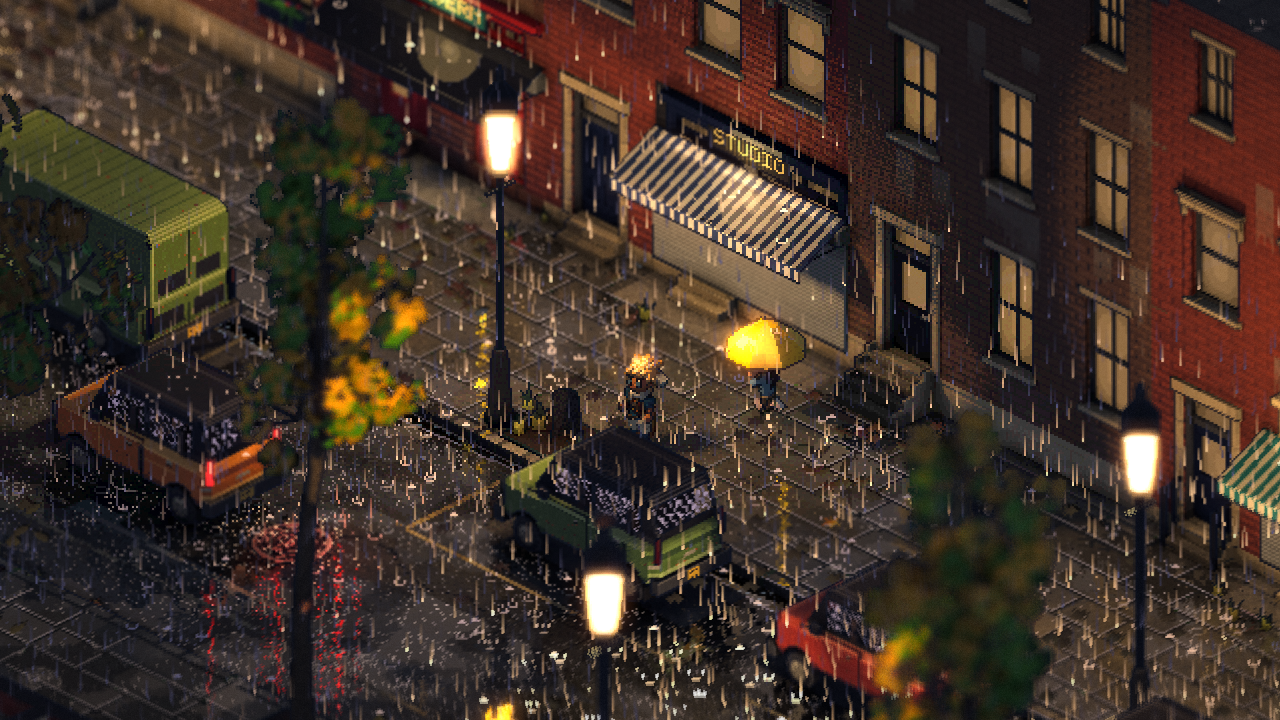 Desktop
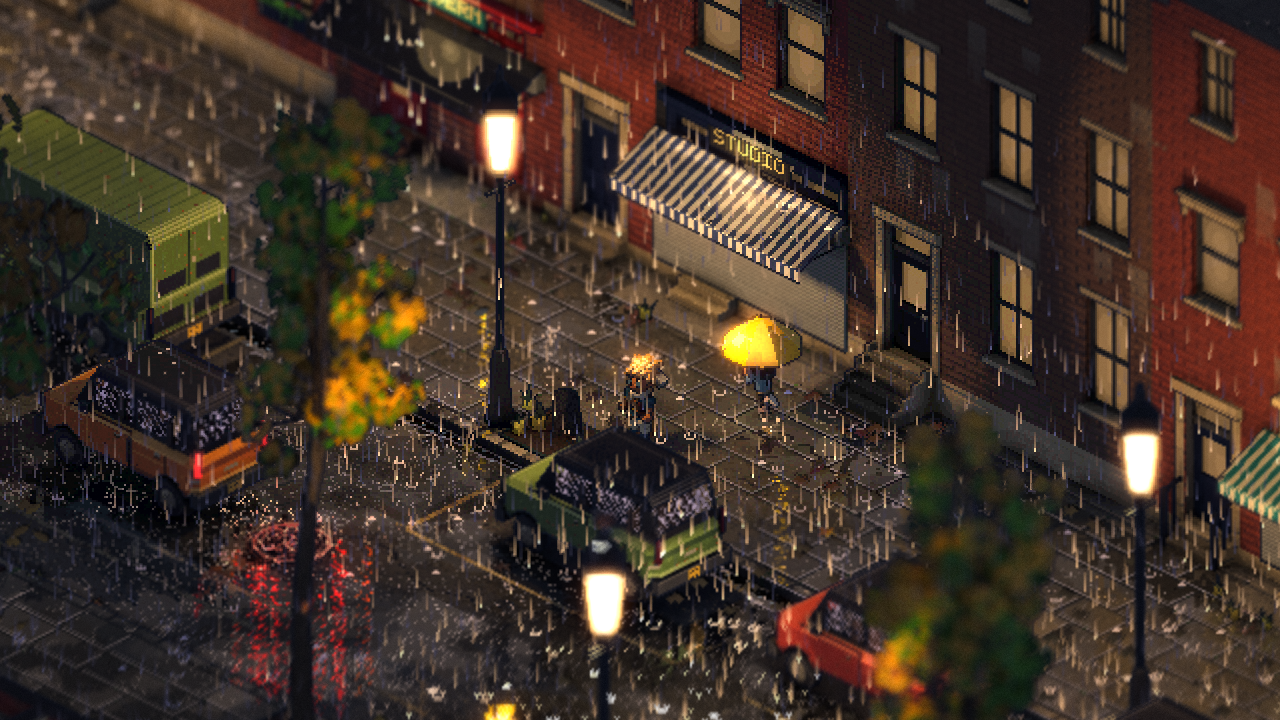 Steam Deck
Philadelphia Fiefdom is built to hold 60 fps on Steam Deck, and the way there was measuring on the Deck itself, not guessing on my PC. The biggest wins weren't the ones I expected. The pixel shader was big, but the real lever turned out to be the vertex shader, because the city's meshes made it run three times for every triangle in every pass.
This post goes through how I measured, what made the difference, and where it stands now. The rule from the start: no feature gets dropped to make the numbers. Fewer passes and less work per pixel, yes. Turning off the rain, no.
Why measure on the Deck?
Because my PC lies about it. Measured side by side, the PC underestimates the Deck's GPU cost about 2x, and its CPU cost about 2x too, and not evenly: something cheap on the PC can be the slowest thing on the Deck. So every change gets measured on the Deck, in a release build, with a bench that plays the same scenes every time: a busy day, rain, snow, night rain, a drive, a fight, and later car crashes and fires.
Where things started: the main view's GPU time on the Deck was about 13 ms. A 60 fps frame is 16.7 ms, and the simulation and everything else need their share, so the view needed to come down to around 8 or 9.
Where does a frame go?
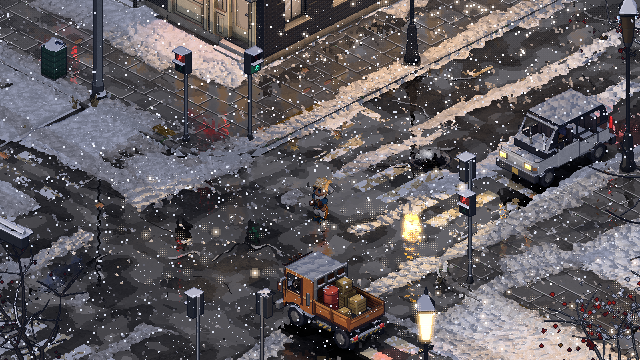
The first useful thing was a pass-by-pass profile of the GPU on the Deck. This is the snow scene, the heaviest one:
| Depth prepass | 4.58 ms |
|---|---|
| Main opaque pass (the shading) | 6.93 ms |
| Sun shadows | 2.19 ms |
| Puddle mirror (prepass + opaque) | 1.22 + 2.88 ms |
| Transparent (glass, snowflakes) | 1.0 ms |
Two things stood out. The depth prepass was nearly as expensive as the shading, because the post-processing reads normals, so the prepass was running the whole surface pattern code a second time. And the puddles' mirror was strangely expensive. Drawing the mirror at half or a quarter of the resolution barely changed its cost (4.69, 4.32, 4.11 ms), so it wasn't the pixels. Pushing the buildings' triangles off screen in the mirror saved nothing either. Whatever it was, it happened before the pixels: in the vertex shader.
Why was the vertex shader the lever?
The city is built out of chunk meshes, and they weren't indexed: every triangle carried its own three vertices, so the vertex shader ran three times per triangle, in every pass. Godot runs a separate vertex shader for the depth prepass, the main pass, each shadow pass and the mirror. With that many runs, every bit of work in the vertex shader added up fast, and a heavy vertex shader also holds a lot of registers.
So I took work out of the vertex shader, one step at a time, measuring each on the Deck. These are the bench's average frame rates, uncapped, in a release build:
| Step | Snow / Rain |
|---|---|
| Starting point | 41 / 46 fps |
| Buildings' shader without the ground's code | 46 / 54 fps |
| Surface patterns out of the depth prepass | 49.2 / 56.1 fps |
| Wires and flags compiled out of the buildings' vertex shader | 52.0 / 60.8 fps |
| Each building's data read once a pixel, not once a vertex | 59.9 / 66.0 fps |
| The city's chunk meshes indexed | 63.8 / 69.0 fps |
The last step is the one that fixed the cause: with the chunk meshes indexed, each vertex is shared by the triangles around it, so the vertex shader runs once per vertex instead of three times per triangle. Only one of these steps changed the picture at all: taking the patterns out of the prepass changed under 1% of the pixels in the snow scene, mostly a highlight along the edges of snow clumps. One result I still can't explain: indexing made every scene faster except the busy day, which went from 74.3 to 71.9 fps even though its GPU time went down.
One thing I learned the hard way: the debug build's GPU profile and the release build disagree. A change that looked great in the debug profile gave 1 or 2 fps in release. Now every gain gets checked in a release build before I build on it.
What about the pixel shader?
The city is drawn by one big toon shader (I wrote about the uber-shader before), and on the Deck's GPU what limits it is registers. The more registers a shader holds at once, the fewer copies of it the GPU can run side by side, and the worse it hides the time spent waiting on textures.
- Waves of 32. The Deck's GPU can run pixel shaders in groups of 64 or 32. With 64, each per-pixel true-or-false costs two registers to track, and the toon's branchy code had a lot of them. Switching to waves of 32 with a driver setting cut the spilled registers from 1,510 to 401, and saved about 0.9 ms of GPU a frame. The Deck build starts from a small launcher script that sets it.
- Each class of surface compiles only what it uses. Vehicles got their own class, buildings stopped carrying the ground's patterns, and settings that were read early and late in the shader got packed so they don't hold a register the whole way through. The biggest pixel shader went from 40,100 instructions to 36,600, and half the variants came down to the register count where eight waves fit at once.
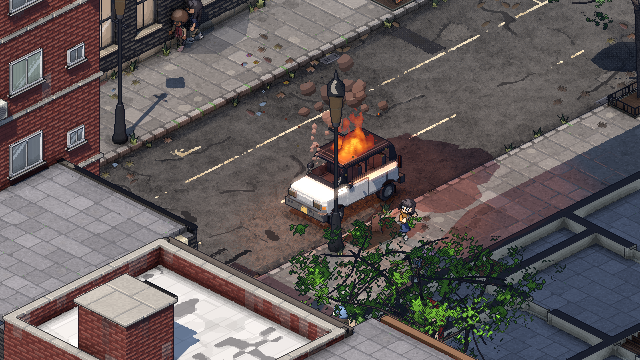
- Fire. Every flame pixel was working out the fire's four hot spots again at each of its 20 samples, although they're the same for the whole fire. Worked out once per flame, they cost 0.9 ms instead of 2.4, and look the same.
What about hitches?
An average of 60 fps isn't much use if a frame stalls every few seconds, so the bench also hunts spikes. Two kinds turned up:
- A hidden read-back. Writing to one instance of a MultiMesh after uploading the whole buffer made Godot read the entire buffer back from the GPU first, about 10 ms. The first leaf kicked up in a pile of leaves caused it.
- Things made the first time they're needed. A truck's first appearance, a held prop, an umbrella: each built a mesh on the spot, up to 11 ms. Now they're all made while the city loads.
After those fixes, no spike in the bench had more than 2.7 ms of the view's own work in it.
Where does it stand?
Capped at 60 fps the way you'd play it, these are the bench's averages on the Deck, from two runs at the end of October (the crash scenes were added for the second):
| Busy day | 59.6 fps |
|---|---|
| Snow | 60.0 fps |
| Night rain | 60.0 fps |
| Driving | 59.8 fps |
| Busy day in rain | 58.6 fps |
| Car crashes | 59.9 fps |
| Car crashes in rain | 55.7 fps |
| Car crashes in snow | 58.8 fps |
| A 24-car pile-up | 57.2 fps |
So the everyday scenes hold 60, missing about 0.4% of frames, and the scenes full of wrecks and fires don't yet. The Deck is GPU-bound in every scene, with about 3.5 ms of headroom in the heaviest ones. Those numbers come from the test city I used before starting on Philadelphia's real streets; the bench has Philadelphia scenes now, and they get the same treatment.
What does the Deck turn down?
Every costly thing in the game reads its limit from a quality profile, so there's no "if this is a Deck" anywhere in the code. The Deck's profile:
| Sun shadow map | 2048 (desktop 4096) |
|---|---|
| Real lights near you | 14, 2 with shadows (desktop 24, 6) |
| Furnished rooms behind windows | 4 (desktop 8) |
| Samples through each flame | 12 (desktop 20) |
| Puddle mirror | Half size, no shadows of its own |
| Depth of field | Worked out at the canvas's size, not twice it |
What never changes is the world. The people, the traffic and everything simulated are the same on every machine, so a Deck player and a PC player in co-op see the same city.
Quick answers
Does the Deck version look different? Barely. The pixel art is the same 640x360 picture. What changes is shadow detail, how many lights cast real light, and a few effects drawn at lower resolution.
Is it the CPU or the GPU? The GPU, in every bench scene. The simulation's work matters for spikes, not the average.
Why not just lower the resolution? The game already draws a small pixel-art canvas and scales it up. The cost was never the number of pixels; it was how much work each one, and each vertex, does.
Follow along
Philadelphia Fiefdom is an online sandbox set in Philadelphia. Last time was the fighting. Next: online co-op, built in from day one. Join the playtest list to play it early, or come say hi on Discord (opens in a new tab).